Industrial machine vision
Visual quality control tailored to your production
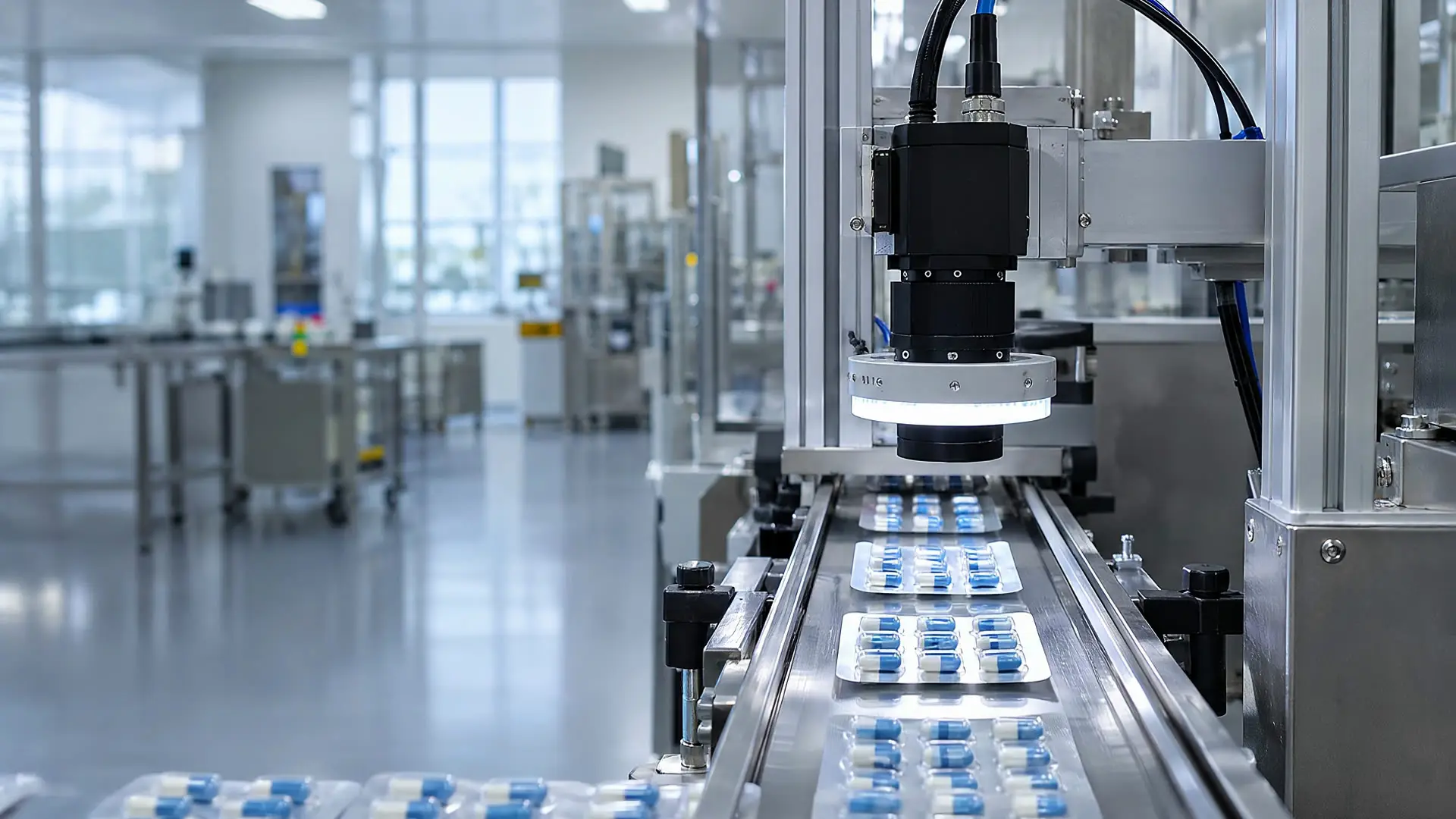
We automate visual inspections such as defect detection, surface inspection, assembly verification and measurement with AI-powered machine vision.
Support and programs




Solutions
Visual inspection solutions for production
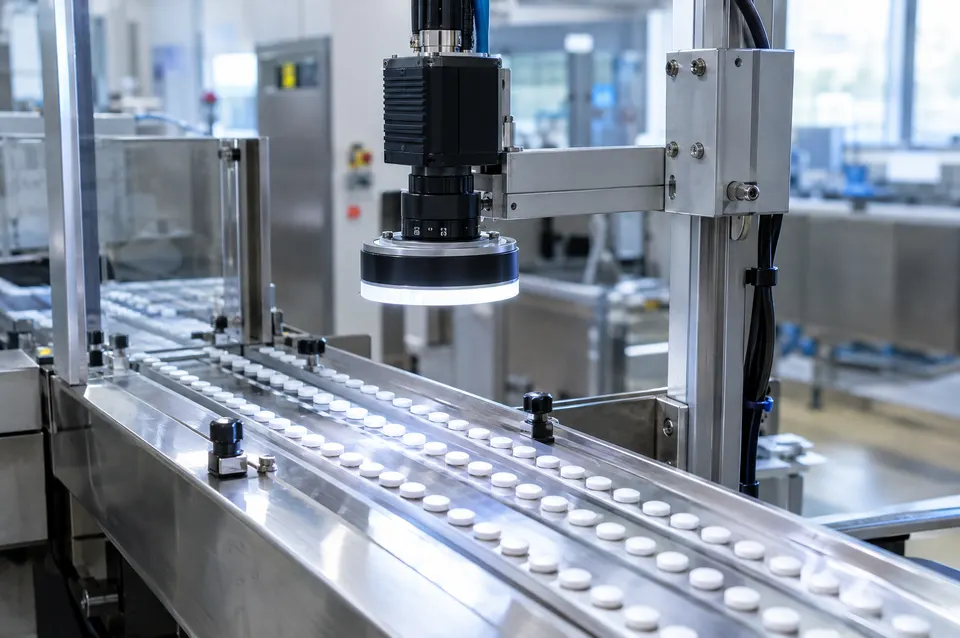 Product Defect DetectionAutomatic detection of defects such as cracks, burrs, broken edges and missing operations.Learn more
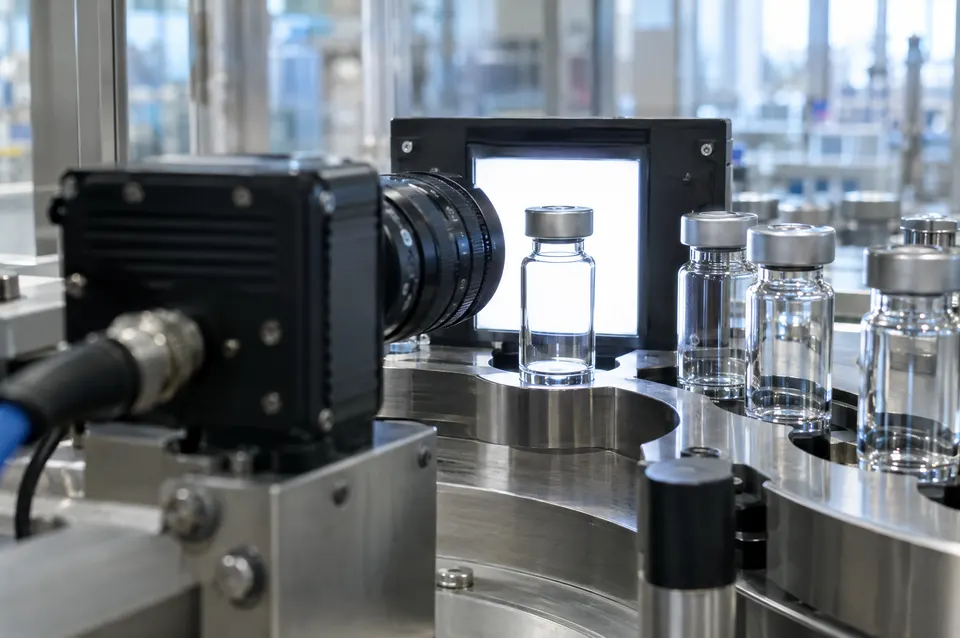 Surface InspectionInspection of scratches, dents, stains, paint, color and pattern defects with suitable lighting.Learn more
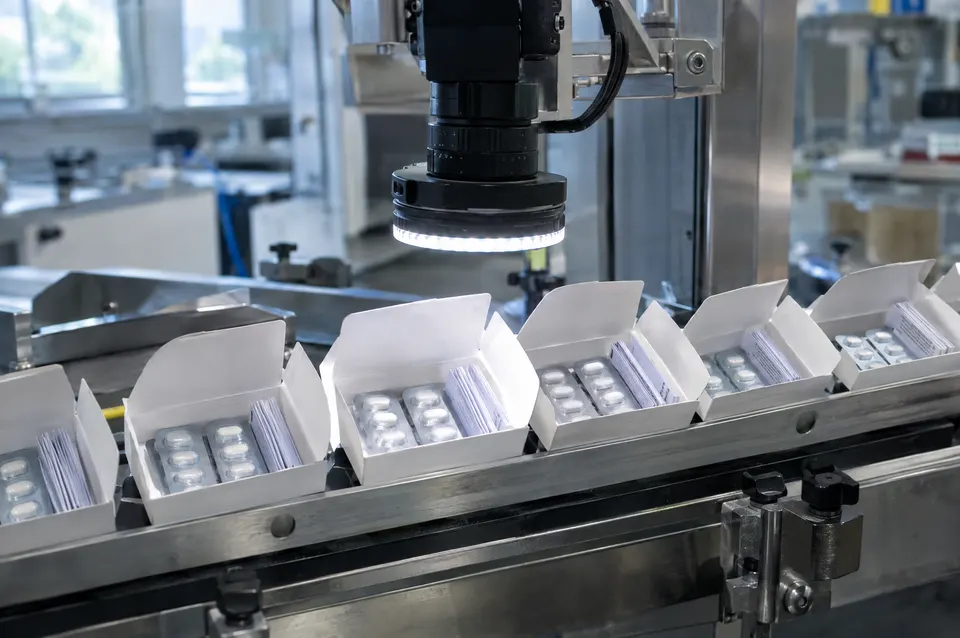 Assembly and Packaging InspectionInspection of missing parts, incorrect assembly, lids and packaging.Learn more
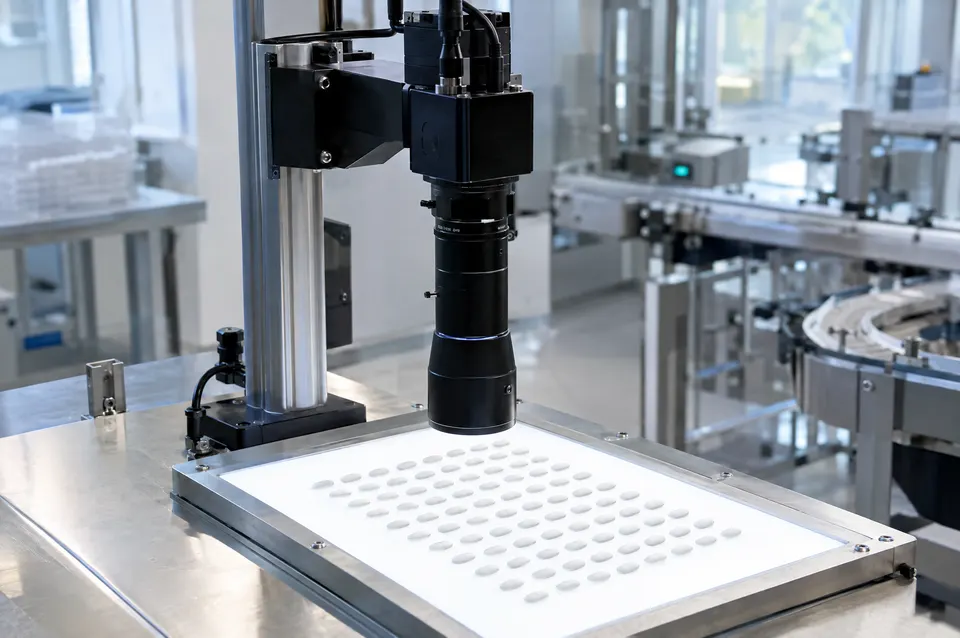 Measurement and Dimensional InspectionDimensional and tolerance inspection with 2D and 3D imaging.Learn more
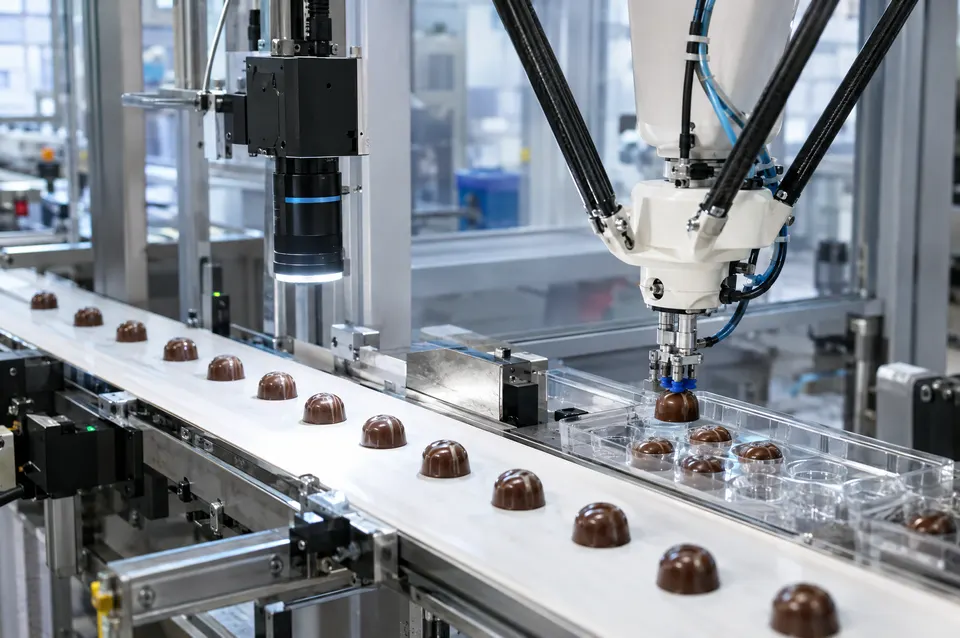 Counting, Sorting and Robot GuidanceProduct counting, type sorting and camera-based robot guidance.Learn more
System
Instant results and records for every inspection
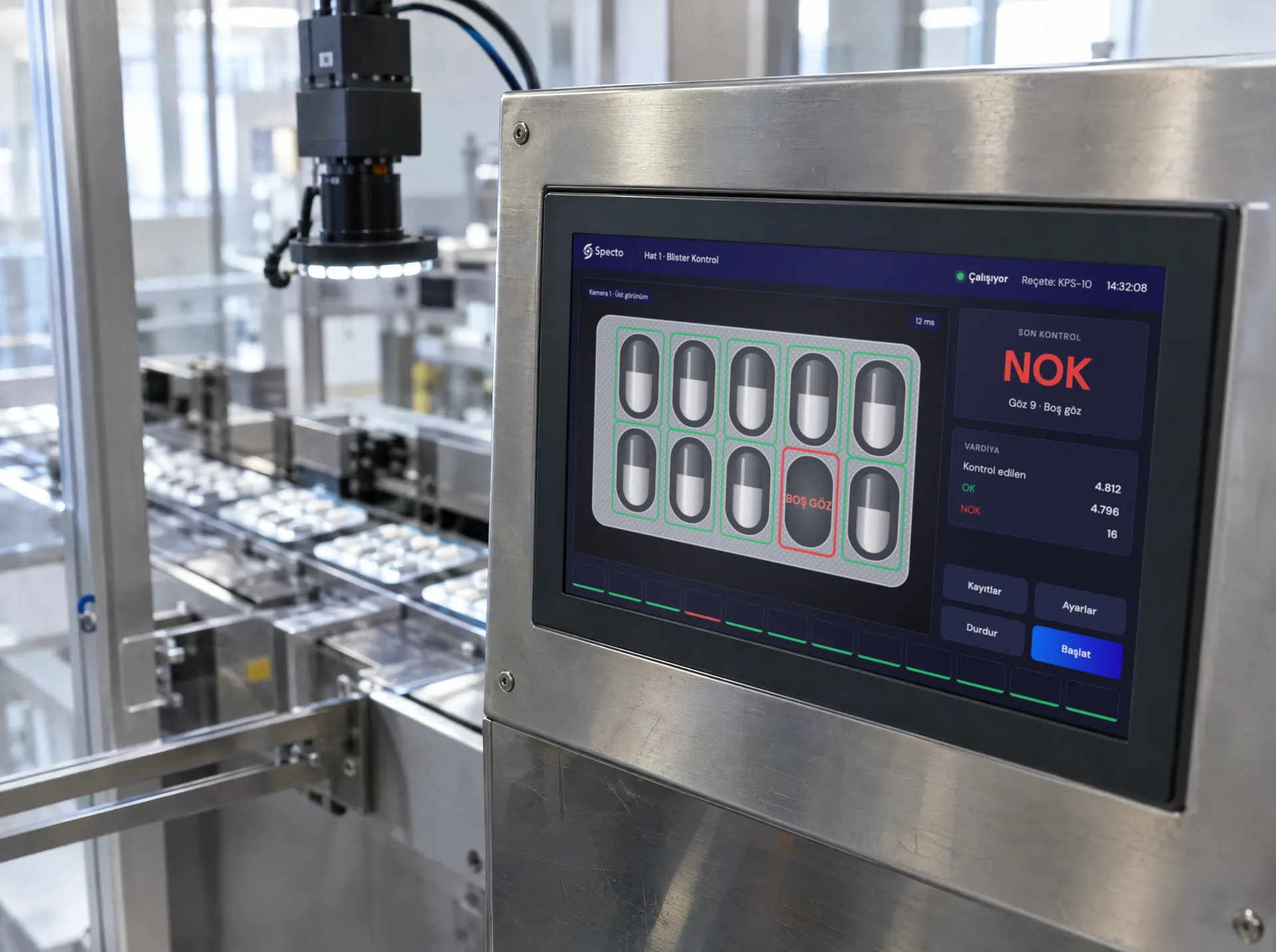
The inspection result is shown instantly on the operator panel. Based on the result, the product is rejected, a robot is guided, or the data is passed on to production systems.
 01
Results for each solution
Defect and surface inspection produce an OK / NOK decision, measurement produces dimensional values, assembly inspection reports missing parts, and robot applications produce position data.
 02
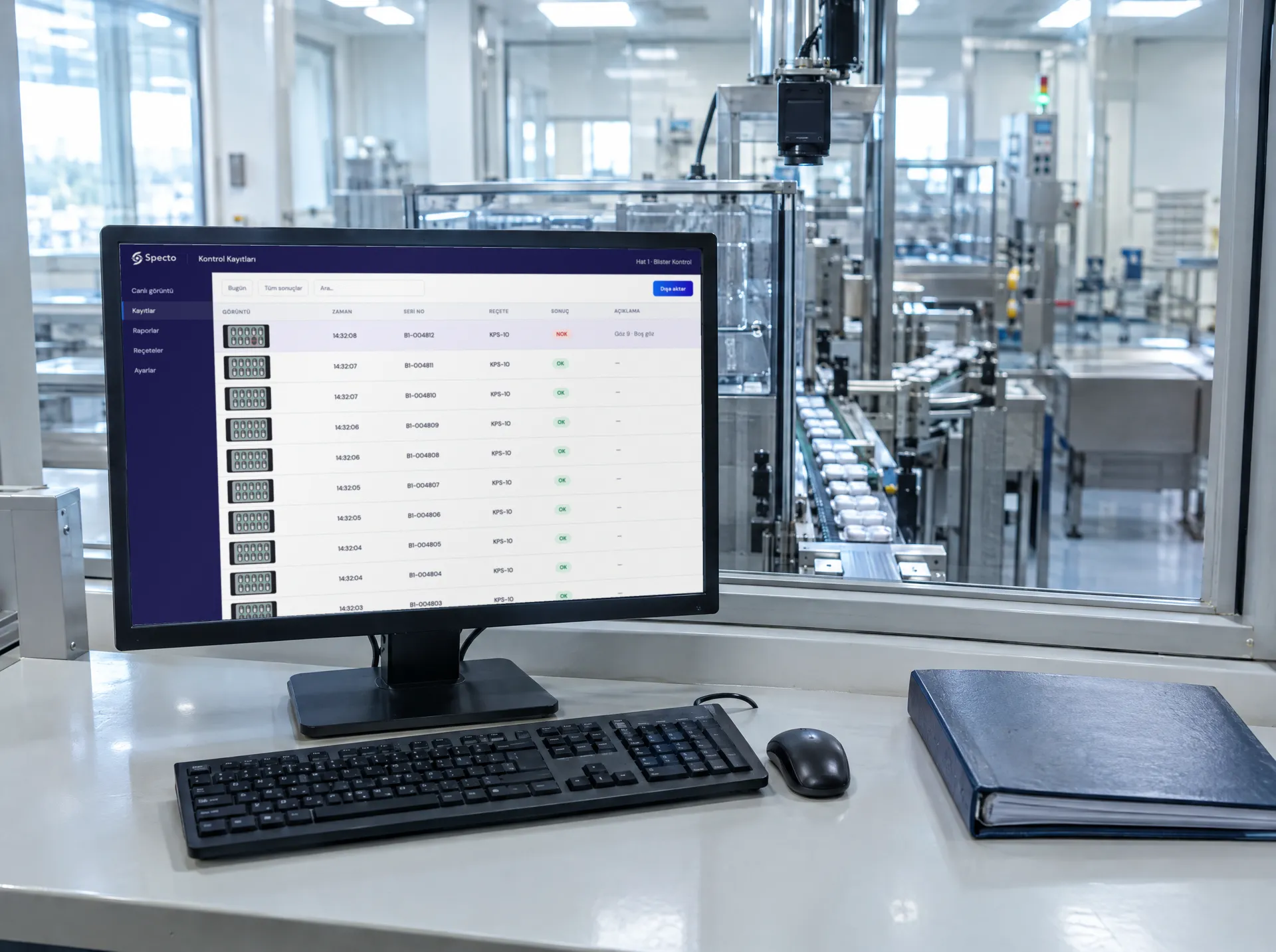
Records for every product
The result of every inspection is recorded together with its image and can be exported.
 03
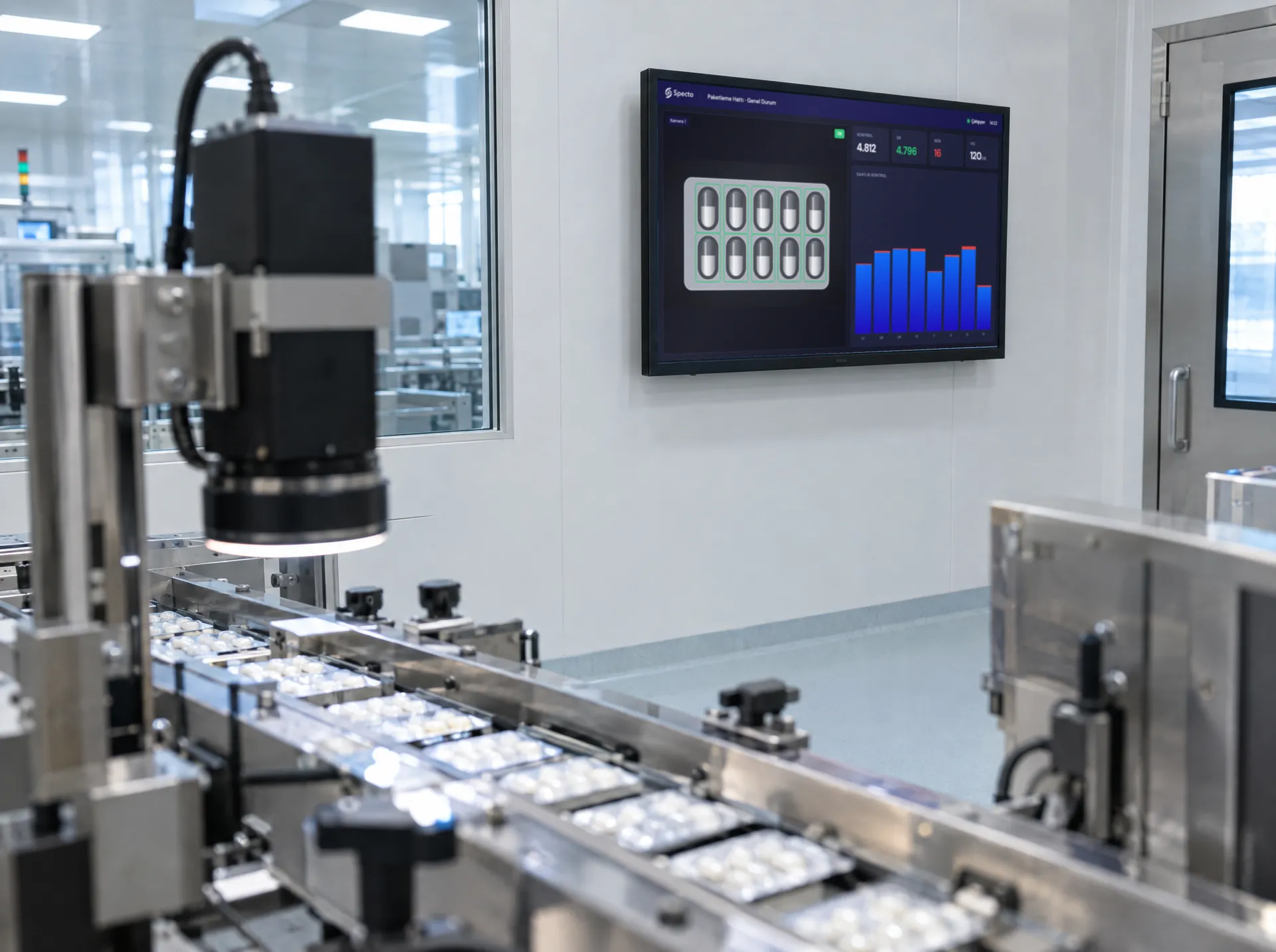
An interface built around the project
The screen layout, the information shown and the records are defined according to the needs of the project.
Our approach
Integrated with existing equipment or installed turnkey
If the facility already has cameras and lighting, the system is integrated with this equipment. If there is no equipment at all, Specto supplies the complete system, including cameras, lighting, electronics and software.
 01
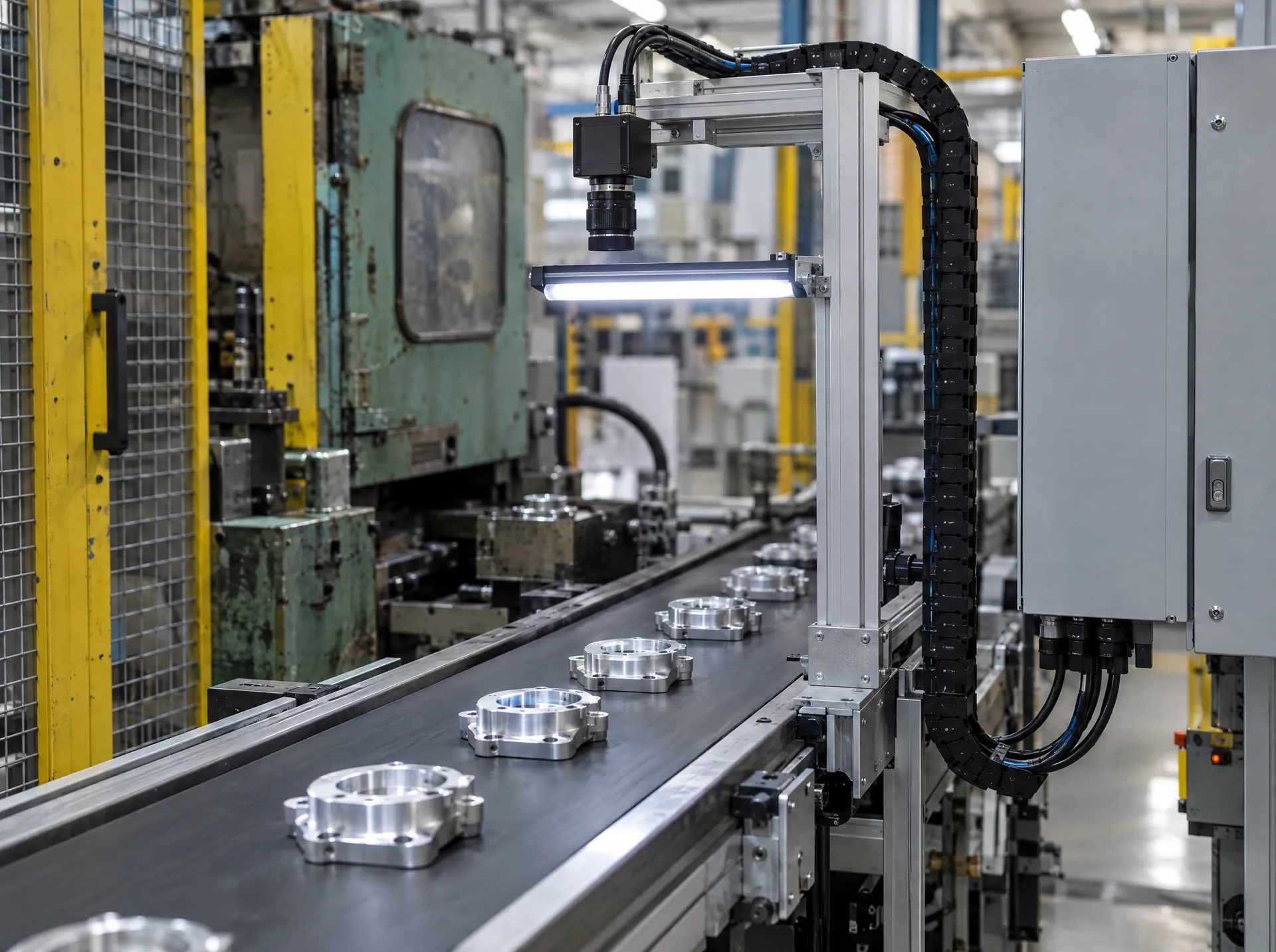
Integration or turnkey
The cameras, lighting and PLC already in the facility can be used. If there is no equipment, all hardware is selected for the product and supplied by Specto.
 02
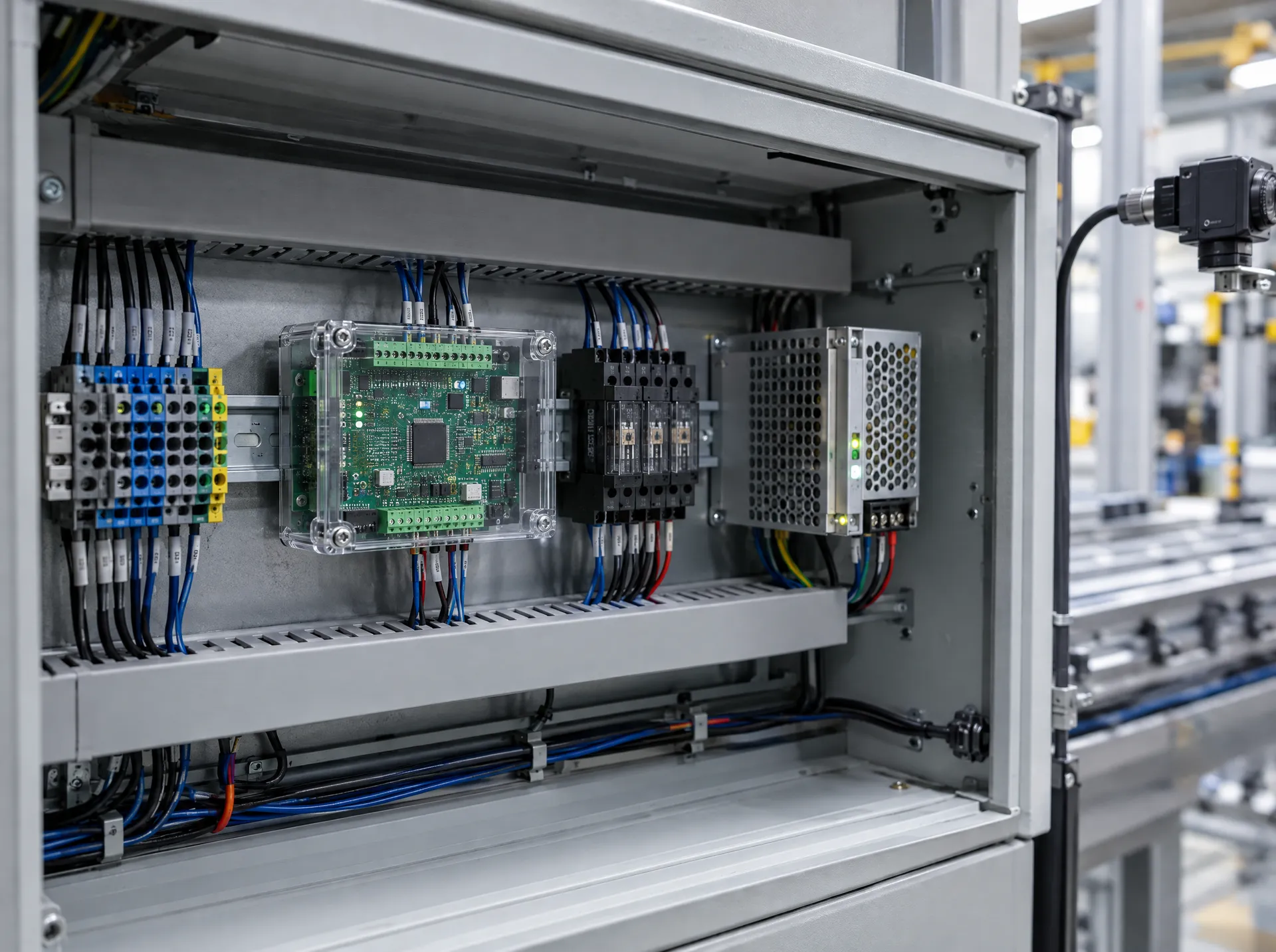
Electronics development
The facility’s electronics infrastructure is assessed, and Specto develops the boards needed for triggering, rejection and machine communication.
 03
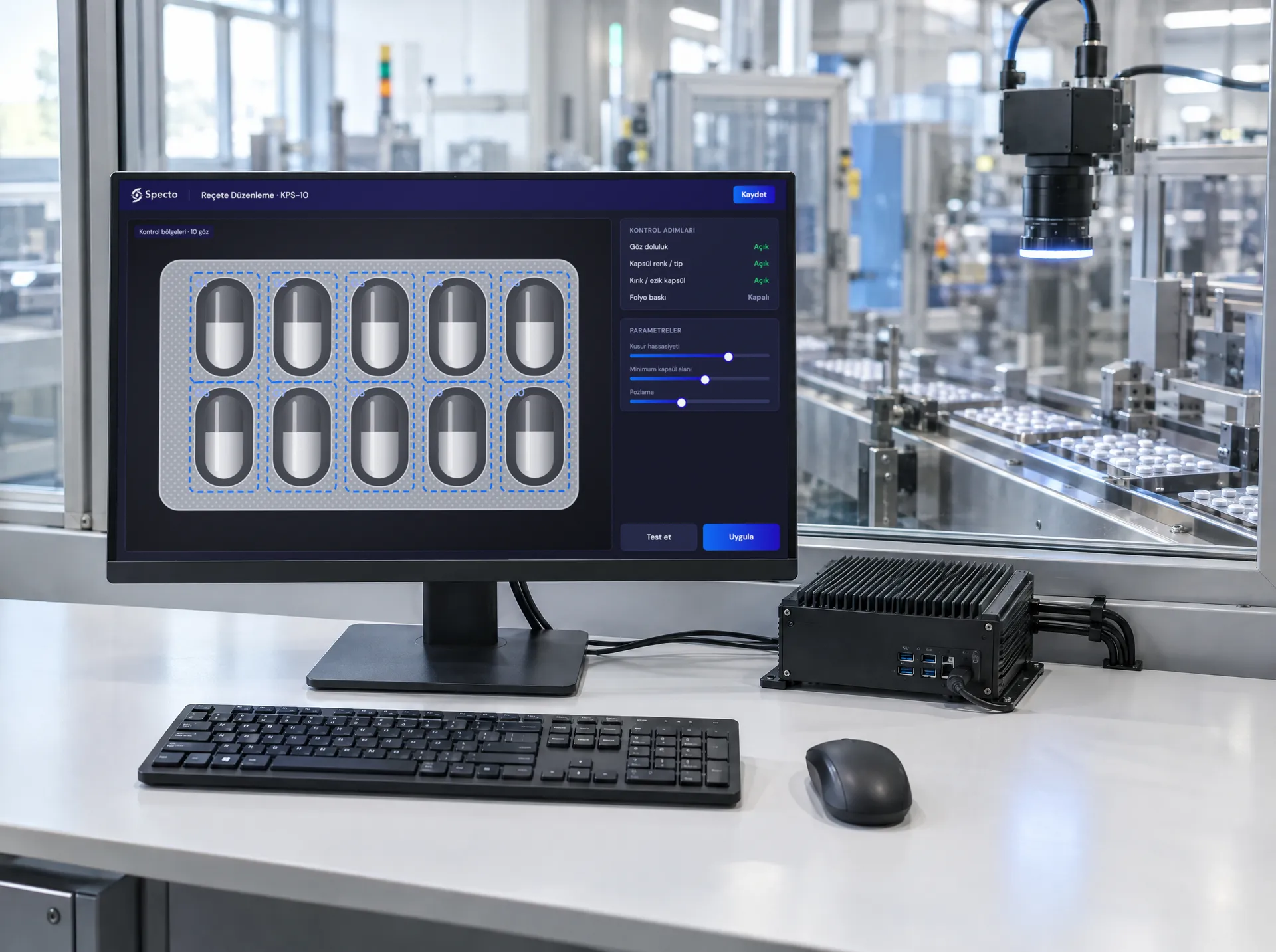
Project-specific software
The software and AI model are developed for each project around the company’s product, line and quality criteria. Specto’s own technology makes it possible to commission the system quickly.
Industries
Industries we serve
Products and defect types vary by industry. The camera, lighting and AI model are defined separately for each product.
All industries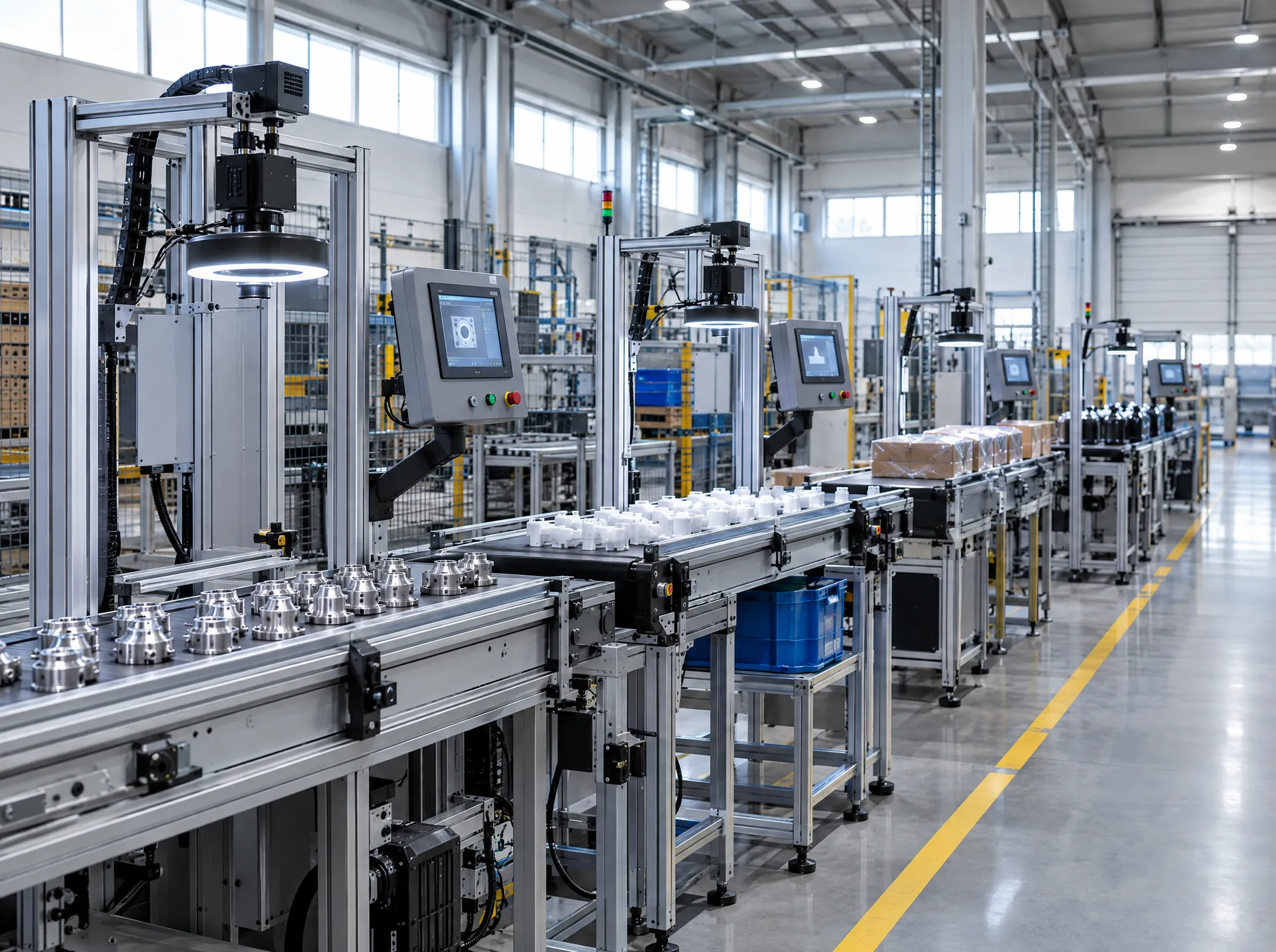
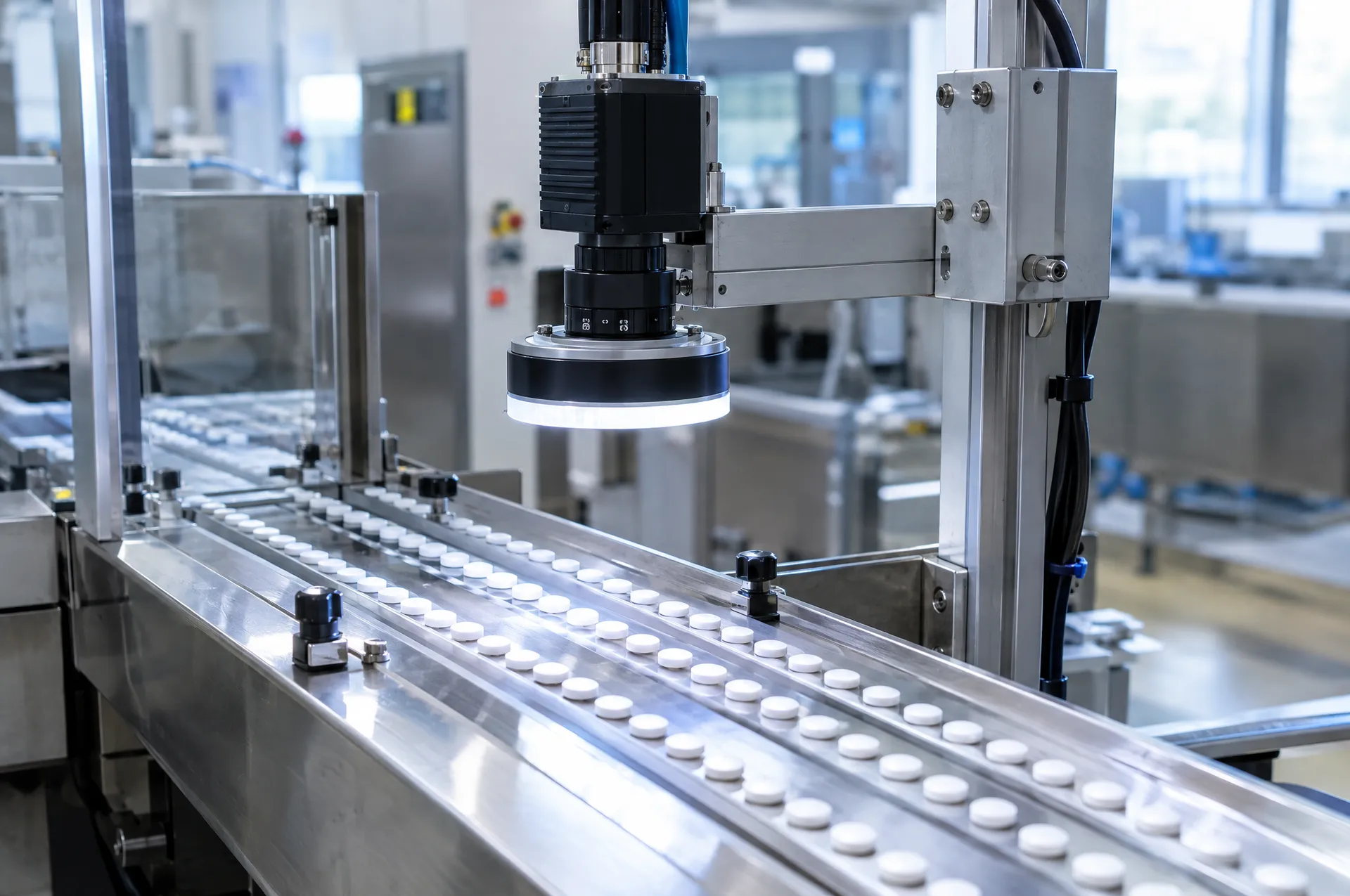
- Pharmaceuticals and ChemicalsVisual inspection of capsules, tablets and blister packs.
- Metal and CastingInspection of porosity, burrs, machining marks and missing operations.
- Plastic Injection MoldingInspection of flash, sink marks, short shots and color differences.
- Food and PackagingLid, label, fill level and print inspection.
- Automotive SuppliersInspection of machined surfaces, missing operations and assembly.
- Medical DevicesAssembly, dimensional, integrity and surface inspection.
- ElectronicsComponent, solder and placement inspection.
- Home AppliancesCosmetic surface, assembly, color and label inspection.
- Ceramics and GlassInspection of pinholes, glaze defects, cracks and edge chips.
- TextilesInspection of pulled threads, weaving defects and stains.
- Defense IndustryAssembly verification, surface and geometry inspection.
- Other industriesAssessed project by project
Project process
From preliminary assessment to commissioning
A project starts with an assessment of the product and the inspection requirements; the system is commissioned once it has been installed and validated on site.
- Step 01
Preliminary assessment
The product, the inspection criteria and, if any, the camera, lighting and electronics already in the facility are reviewed.
- Step 02
Site survey
Production speed, camera position, lighting, trigger and reject point are determined on site.
- Step 03
Hardware
The camera, lens and lighting are selected; the existing electronics infrastructure is assessed, and the required control and trigger hardware is developed by Specto.
- Step 04
Model training
Images are collected from production, the model is trained on this data, and results are measured against labeled parts.
- Step 05
Commissioning
The system is installed, operator training is provided, and technical support continues after commissioning.
Insights
Technical articles on visual quality control
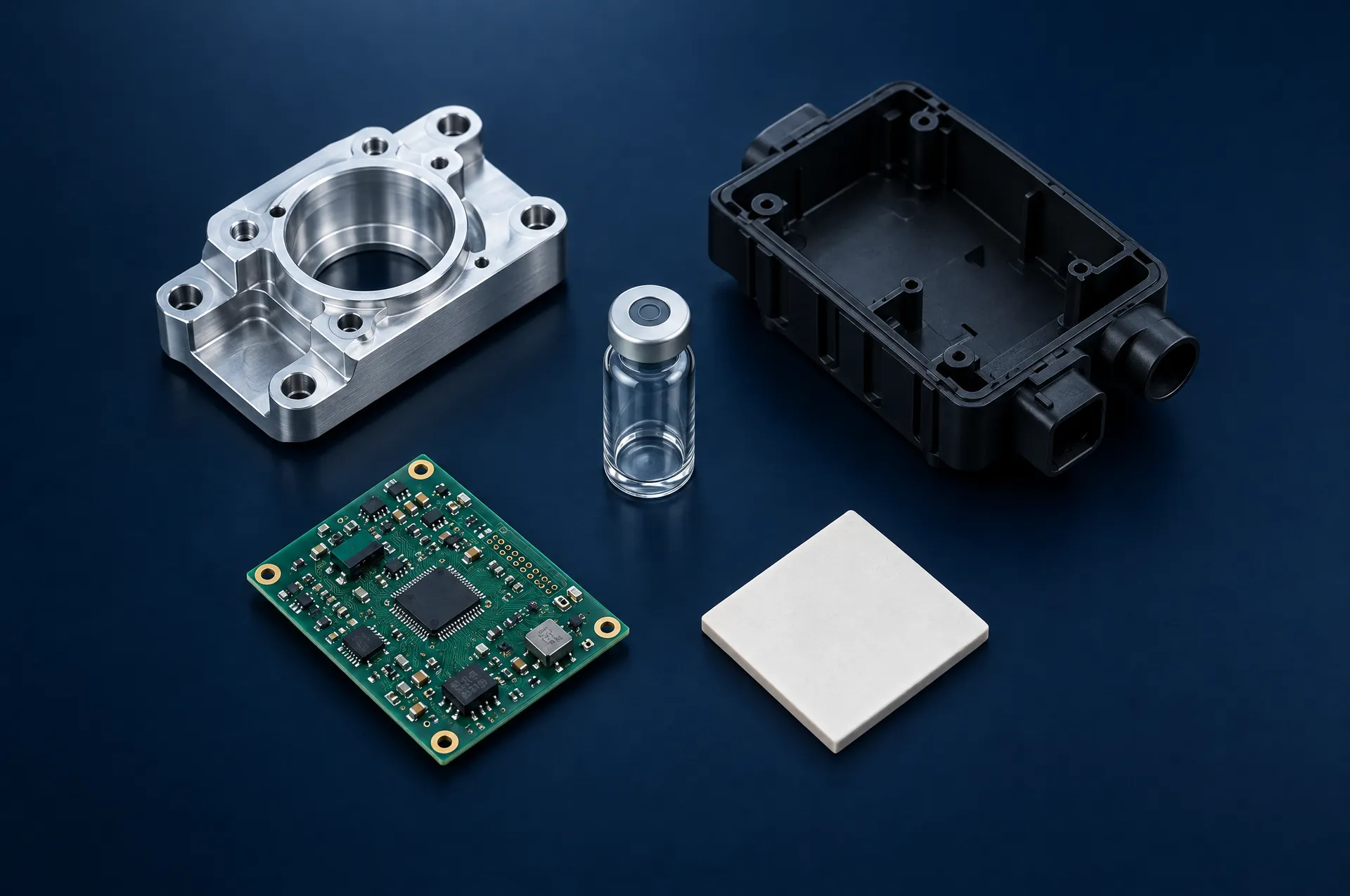 GuideWhat defines the scope of a visual quality control project?How product variety, defect types, production speed and existing equipment affect the scope of a project.Read more
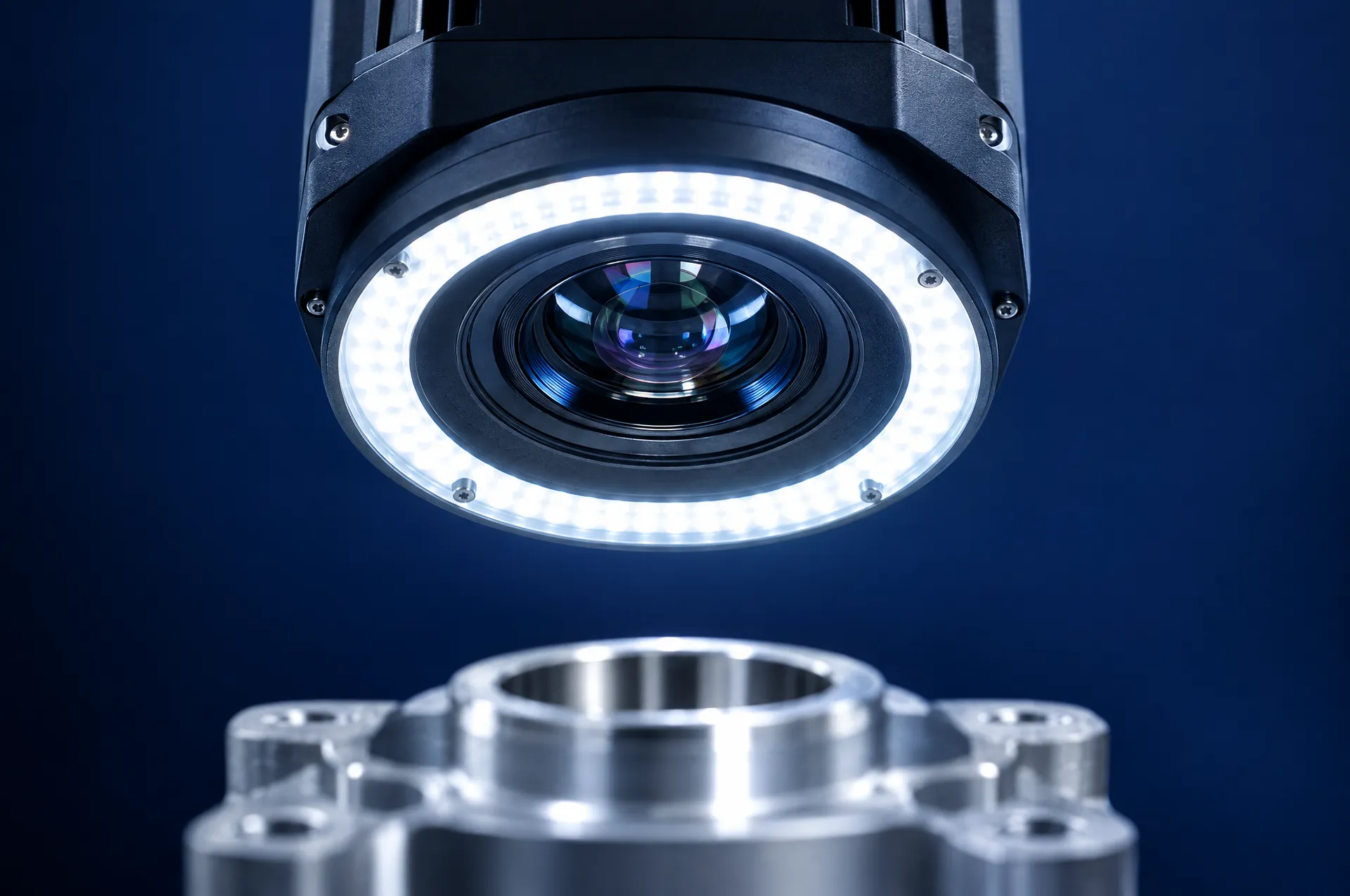 Technical articleWhat is machine vision and how is it used in manufacturing?The components of an industrial machine vision system, where it is most often used in manufacturing, and what to know before installation.Read more
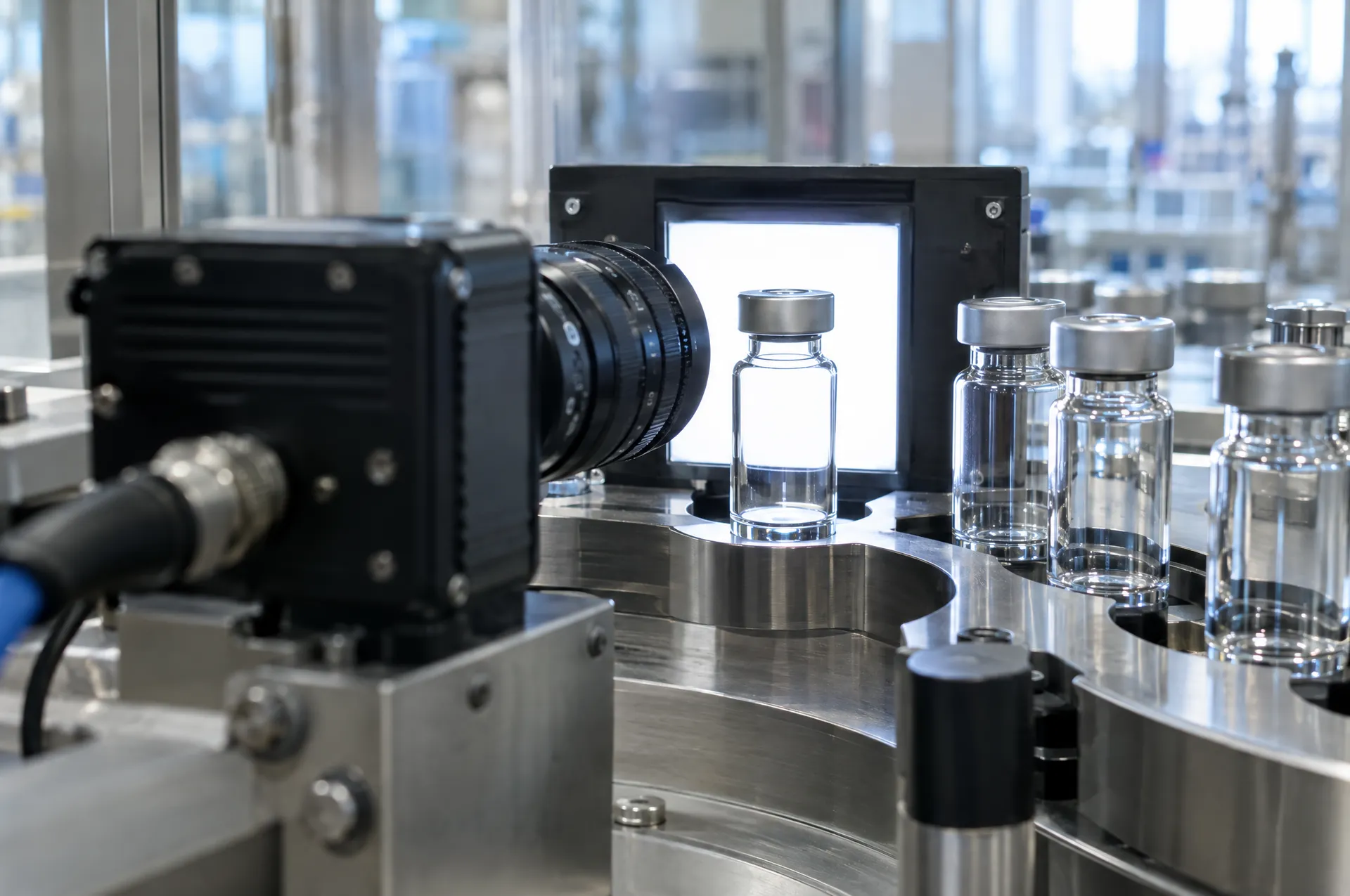 Technical articleHow does AI work in surface inspection?The difference between rule-based inspection and deep learning, and why the model needs to be trained on the company’s own data.Read more
Frequently asked questions
Common questions before a project
Does it work with the camera and lighting already in the facility?
Yes, if the equipment suits the product and the inspection requirements. The existing camera, lighting and electronics are reviewed during the preliminary assessment. If they are not suitable, or if there is no equipment, the camera, lens, lighting and electronics are selected for the product and supplied by Specto.
Are defective product samples needed for setup?
There is no need to collect many samples of each defect type. The system is set up with images of good products, and every product is compared with this reference. Defective samples are used to validate the results.
Do production images leave the facility?
No. The system runs on the company’s own computer without requiring an internet connection. Images and records stay within the facility.
How are defective products removed from the line?
The inspection result is sent to the rejector or the PLC, and the defective product is rejected automatically. If a decision cannot be made in time or the product cannot be recognized, the product is rejected on the fail-safe side.
What happens when the product changes?
A separate product profile is created for each product. A new product is introduced to the system with images of good products, and the relevant profile is selected at product changeover.
What does the project cost depend on?
The number of cameras, the defects to be inspected, line speed, whether existing equipment can be used, and PLC integration are the main factors that determine the cost. A project-specific quote is prepared after the preliminary assessment.
How long does it take to commission a project?
The timeline depends on the product, the inspection scope and the existing equipment. Because the systems are built on Specto’s in-house software and electronics, no lengthy software development process is needed; the timeline becomes clear after the preliminary assessment.
What should I prepare for the initial meeting?
Product images or samples, examples of the defects you are looking for, line speed and information on the equipment already in the facility are enough. You can attach these files through the contact form.
Let’s evaluate your project together
Our technical team determines the right system for your product and inspection needs.